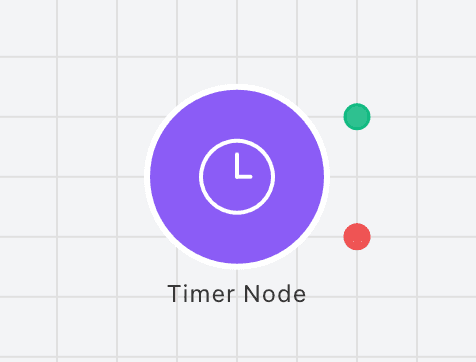
The Timer Node is used to start a timer and then execute the connected nodes when that timer depletes. The Timer uses the default currency, Time, to measure. This means the timer is directly impacted by the Time Step setting for simulations. Timers can be triggered by any other node (except Timer Node). A node that triggers a timer will display a purple outline. Timers are bound by the layer they are on, meaning they can only be triggered by nodes on the same layer.
It's important to note that Timers are activated at the end of the step for the layer they are in. This basically means that before moving onto the next layer in the simulation, there is a timer check, any timers that are active follow the following flow:
Example
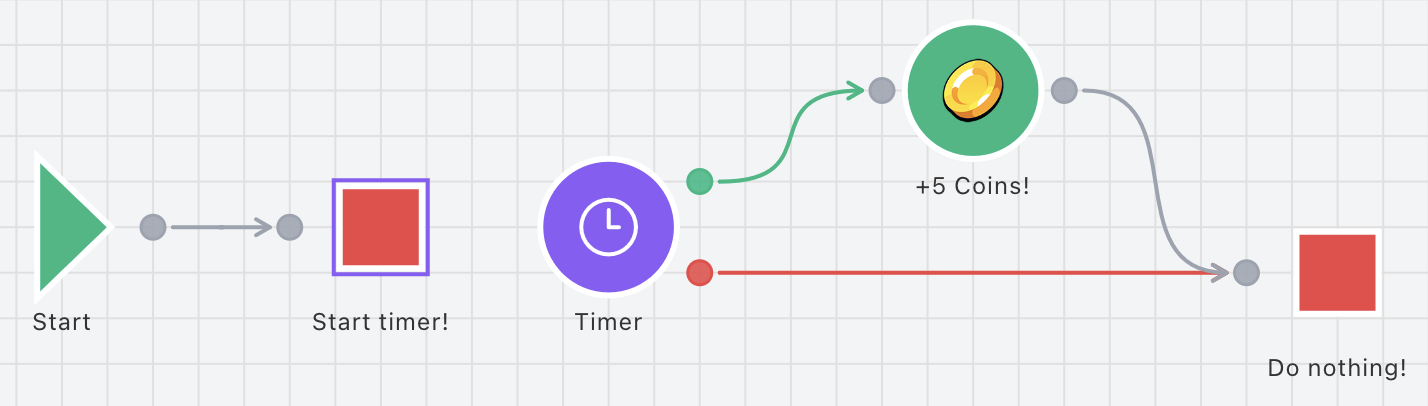
Connectors
Inspector Fields
Each field below is available on this node in the inspector.
The display name of the node
Any string value
Duration mode: Absolute uses a fixed value, Range uses random between min and max
Fixed duration value (number or variable reference). Only shown when Duration mode is Absolute
Minimum duration value (number or variable reference). Only shown when Duration mode is Range
Maximum duration value (number or variable reference). Only shown when Duration mode is Range
What happens when timer is triggered while already running: Reset (restart) or Ignore (do nothing)