What is Espada GameSim?#
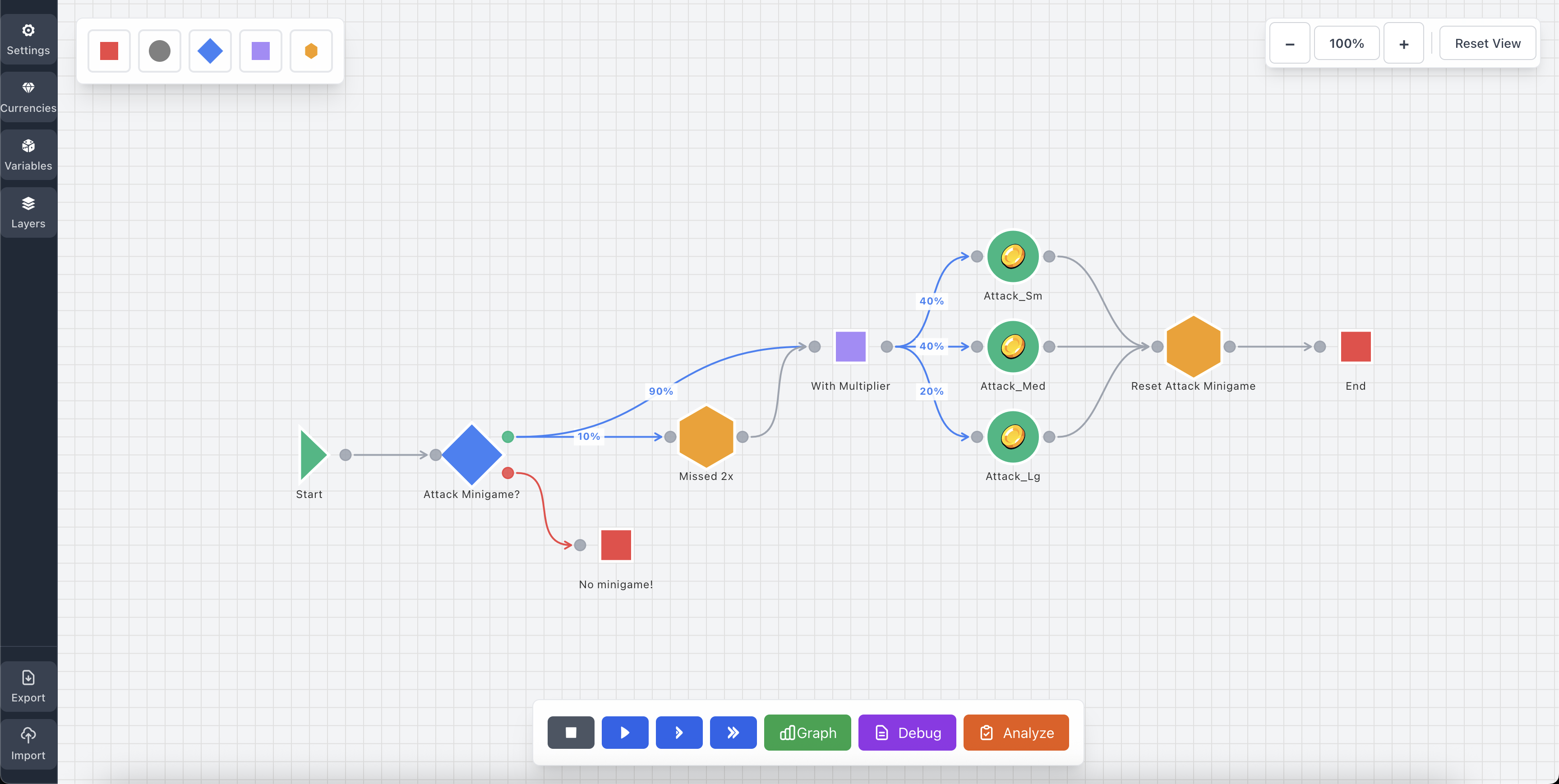
Espada Gamesim is a visual tool designed by a Game Designer for Game Designers. It's main purposes are for prototyping, balancing and predicting economies. On top of that, it supports fast Monte Carlo simulations, so you can build out your idea and simulate 1000's of times to get a strong indication of how it will perform.
Why use Espada GameSim?#
Espada GameSim will help you:
- ▸Design your game economy visually without coding
- ▸Test different economic scenarios before implementation
- ▸Balance currency flows, prices, and rewards
- ▸Visualize how your economy behaves over time
- ▸Analyze source and sink patterns to understand resource flow
Key Concepts#
Before diving in, here are the core concepts you'll work with:
Currencies#
Currencies are the resources in your game economy - things like gold, energy, experience points, or any other resource you want to track. Every currency is automatically tracked and added to the simulation.
Nodes#
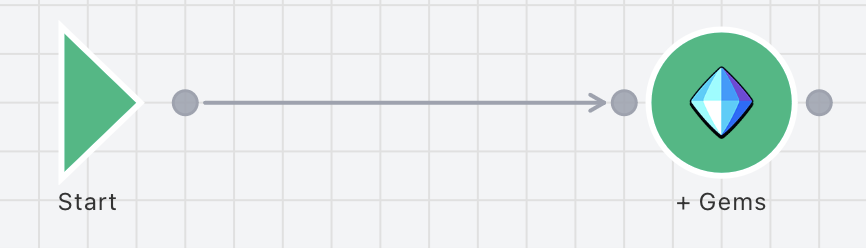
Nodes are the building blocks of your simulation. Each node represents an action, decision, or resource change in your game economy. There's a total of 7 different types of nodes that we'll cover later in the Nodes section. Each node has a combination of input / output connectors.

Connections#
Connections link nodes together via their connectors, defining the flow of your simulation. There's different types of Connections that can be used, which will be covered later in the Connections section.
Layers#
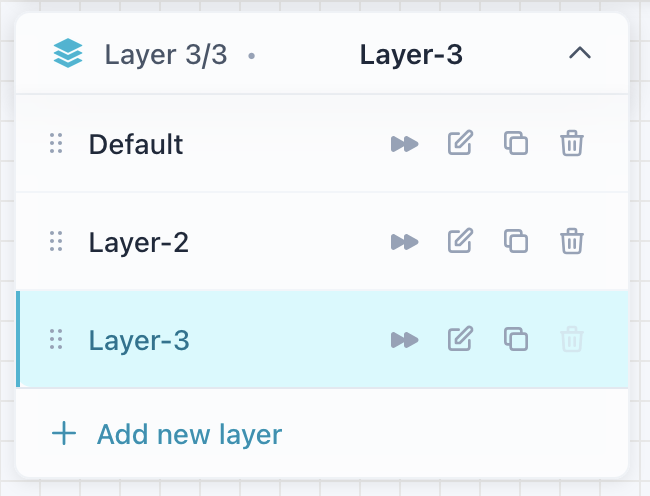
Layers allow you to organize complex simulations into separate canvases. Each layer can have its own nodes and connections, but they share the same currency state. Perfect for breaking down large economies into manageable pieces.
Variables
Variables let you store state and make decisions based on conditions. They can be numbers (int), booleans (bool), or arrays. Variables persist across steps and can be used in expressions. They can be changed during the simulation as well.