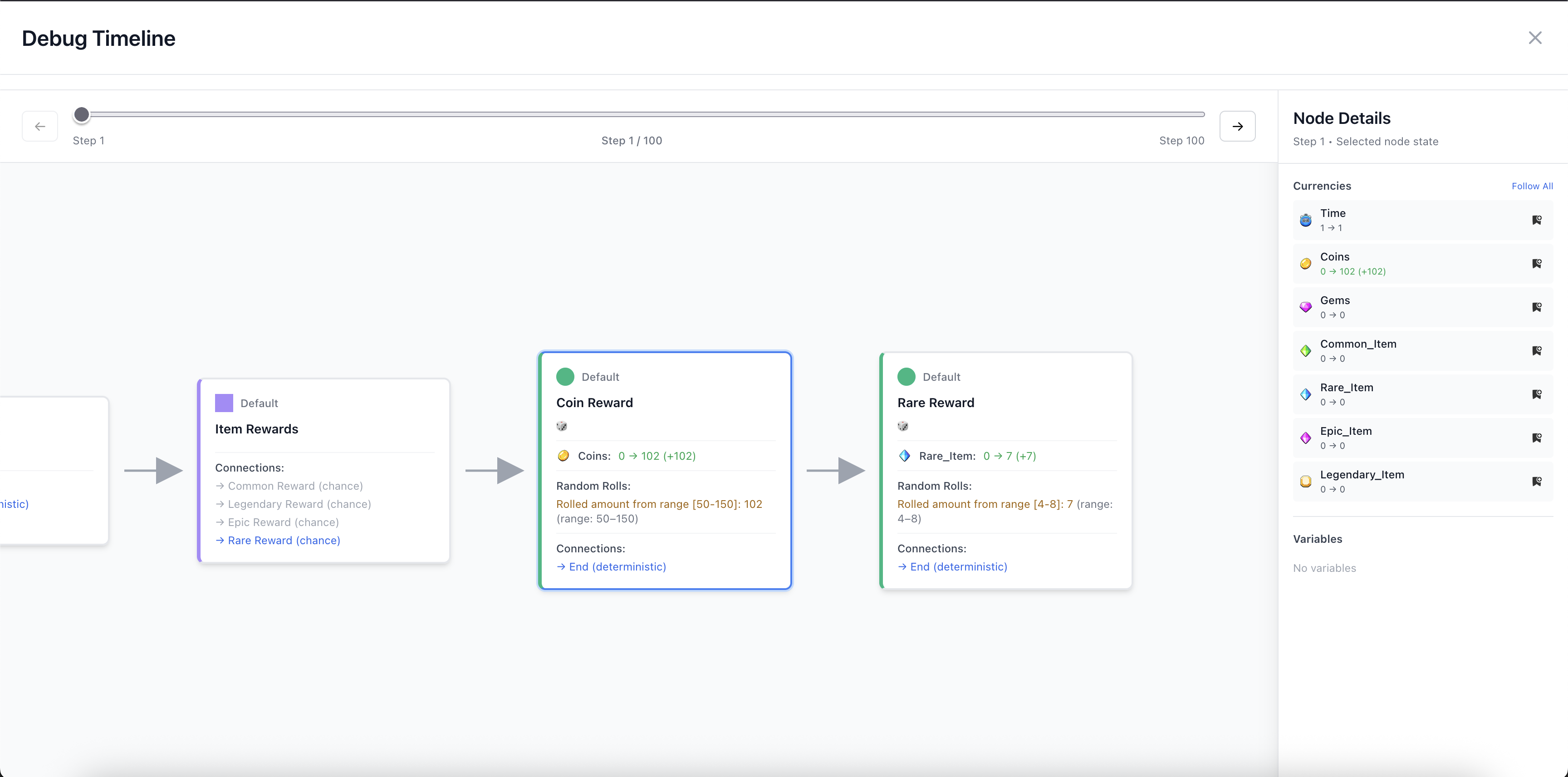
The Debug Timeline allows you to step through a single run of your simulation. This allows you to see everything that happened on a step-by-step basis. It is very handy to troubleshoot potential issues you may see. If your graphs don't act like you expect them to, the Debug Timeline is a great place to start finding out if there's any issues in your simulation.
Debug Timeline only works on your most recent simulation in your session, so in order to use it, make sure you simulate at least 1 run so it can gather the data it needs.