Economy nodes add or remove currency from your economy. They support two flow types: Source (adds currency) and Sink (removes currency). Amounts can be fixed or randomized, and sink nodes can optionally check if enough currency is available before processing.
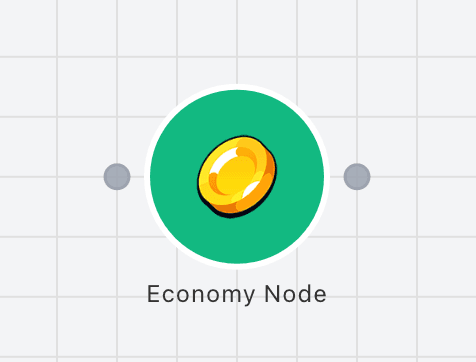
Source
Adds currency to the economy. Use when players earn resources, complete quests, or receive rewards.
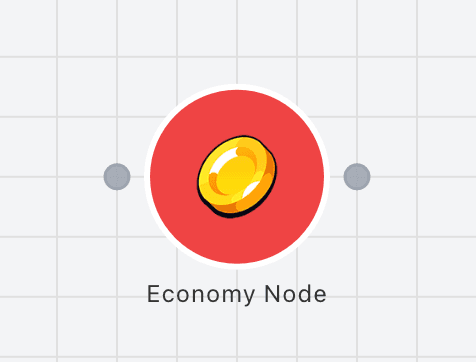
Sink
Removes currency from the economy. Use when players spend resources, purchase items, or pay costs.
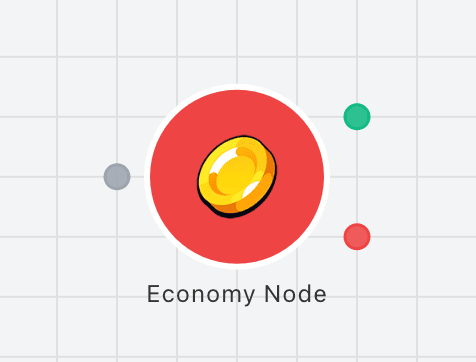
Sink with Condition
Removes currency only if enough is available. Routes to success (TRUE) when currency is sufficient, or failure (FALSE) when insufficient.
Example
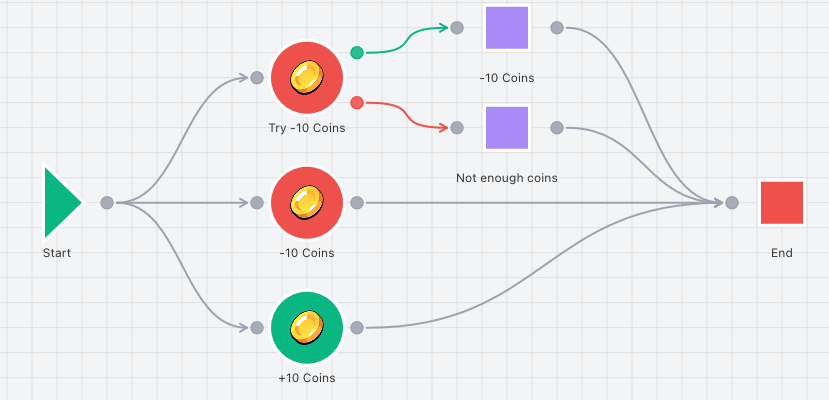
Connectors
Inspector Fields
Each field below is available on this node in the inspector.
The display name of the node
Any string value
Determines whether the node adds (Source) or removes (Sink) currency
The currency to add or remove. Required for the node to function
Amount mode: Absolute uses a fixed value, Range uses random between min and max
Fixed amount value (number or variable reference like {{variableName}}). Only shown when Amount mode is Absolute
Minimum amount value (number or variable reference). Only shown when Amount mode is Range
Maximum amount value (number or variable reference). Only shown when Amount mode is Range
When enabled (sink nodes only), checks if enough currency is available before processing. Only available when Flow Type is set to Sink.
When enabled, this node will start a selected timer when it executes
The timer node to trigger. Timer must be on the same layer