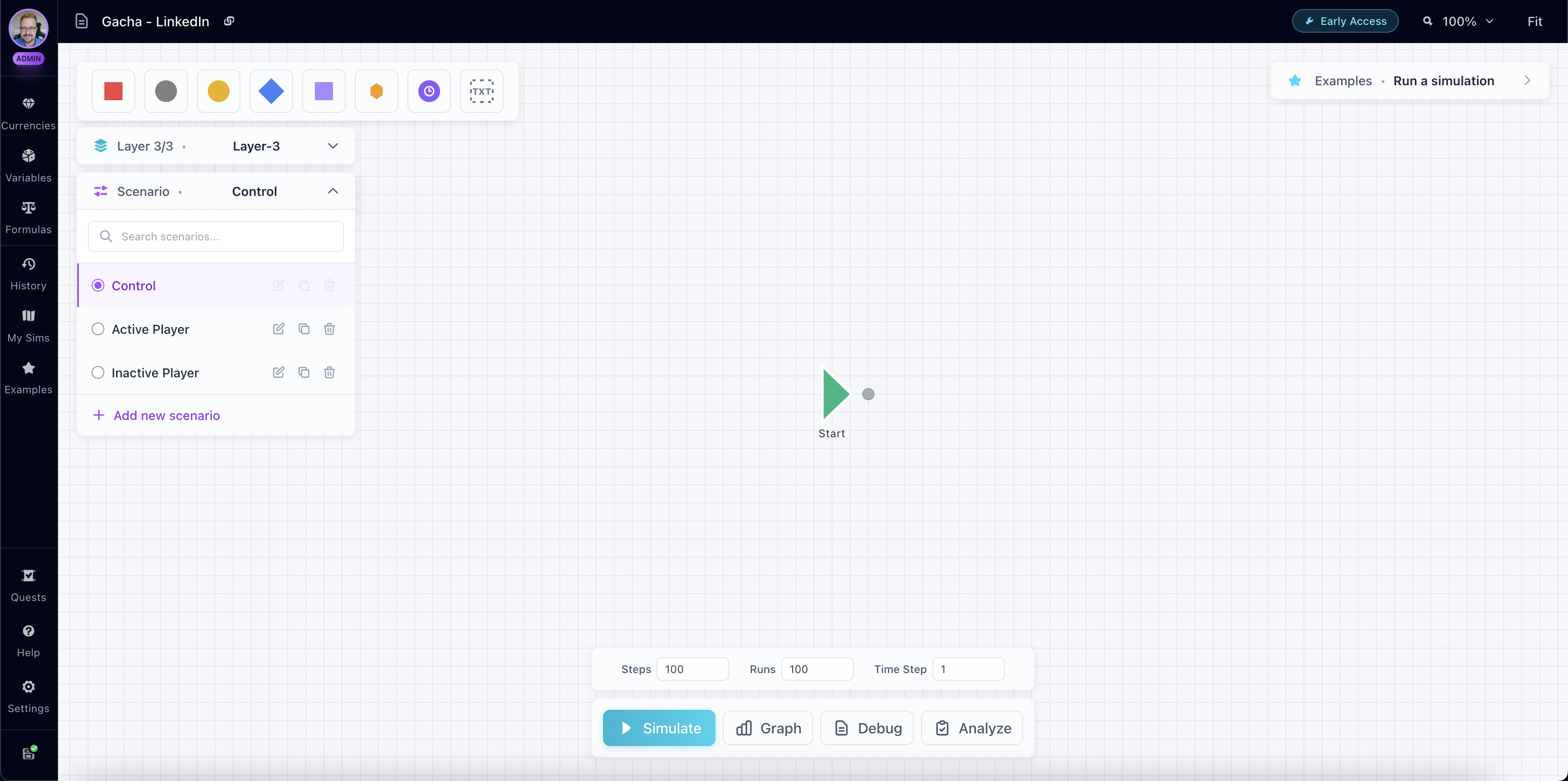
What are Scenarios?
Scenarios allow you to test different configurations of the same simulation without duplicating your entire workspace. Each scenario can override specific variable values and formula expressions, letting you quickly compare how your economy behaves under different conditions.
Think of scenarios as "what-if" configurations: What if player level starts at 10 instead of 1? What if the base reward is 50 gold instead of 25? What if the difficulty multiplier is 2.0 instead of 1.5? Scenarios let you answer these questions by running the same simulation with different starting values.
Creating Scenarios
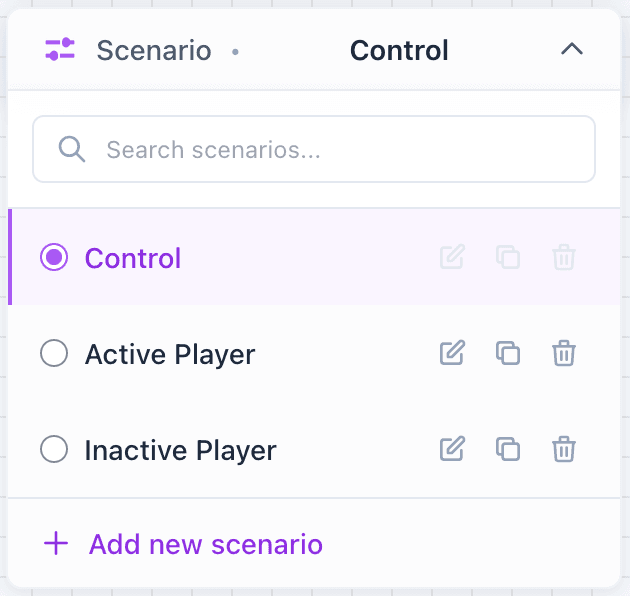
Every workspace starts with a Control scenario, which uses the baseline values of all your variables and formulas. This is your default configuration - the "normal" state of your simulation.
To create a new scenario:
- Click the Scenario dropdown in the toolbar
- Click Add new scenario
- Give your scenario a name and optional description
- Configure variable and formula overrides
Variable Overrides
Variables are the primary way to customize scenarios. You can override any variable's value in a scenario, which will be used instead of the baseline value during simulation.
When to Override Variables:
- Starting Values: Test different starting player levels, currencies, or inventory states
- Configuration Values: Compare different difficulty settings, multipliers, or thresholds
- Boolean Flags: Enable or disable features (e.g., "Premium Active" vs "Free Player")
When you override a variable in a scenario, the override value is used during simulation instead of the baseline. Only the variables you explicitly override are changed - all other variables use their baseline values. Overrides are applied at the start of each simulation run.
Formula Overrides
Formulas can also be overridden in scenarios, allowing you to test different calculation methods or parameter values.
When to Override Formulas:
- Different Scaling: Test linear vs exponential growth formulas
- Parameter Changes: Adjust formula parameters (e.g., base damage, scaling factor)
- Expression Variations: Try different mathematical approaches to the same calculation
When you override a formula, the override expression is used instead of the baseline expression. Parameter bindings can be changed independently. Only the formulas you explicitly override are affected - all other formulas use their baseline values.
Using Scenarios
Use the Scenario dropdown in the toolbar to switch between scenarios. The active scenario is highlighted, and all simulations you run will use the active scenario's overrides.
When you run a simulation:
- The active scenario's overrides are applied
- The simulation runs with the overridden values
- Results are saved with the scenario information
- You can compare results across different scenarios
Each saved simulation remembers which scenario was used, so you can easily track which configuration produced which results. To compare scenarios, run a simulation with one scenario, switch to another, run the same simulation again, and compare the results in the Graph View or Analysis panel.
Scenarios vs Layers
Scenarios and Layers serve different purposes:
- Layers: Organize your simulation structure (separate flows, different execution priorities)
- Scenarios: Test different configurations (different values, same structure)
You can combine both: use layers to organize your simulation, and scenarios to test different configurations of that structure.