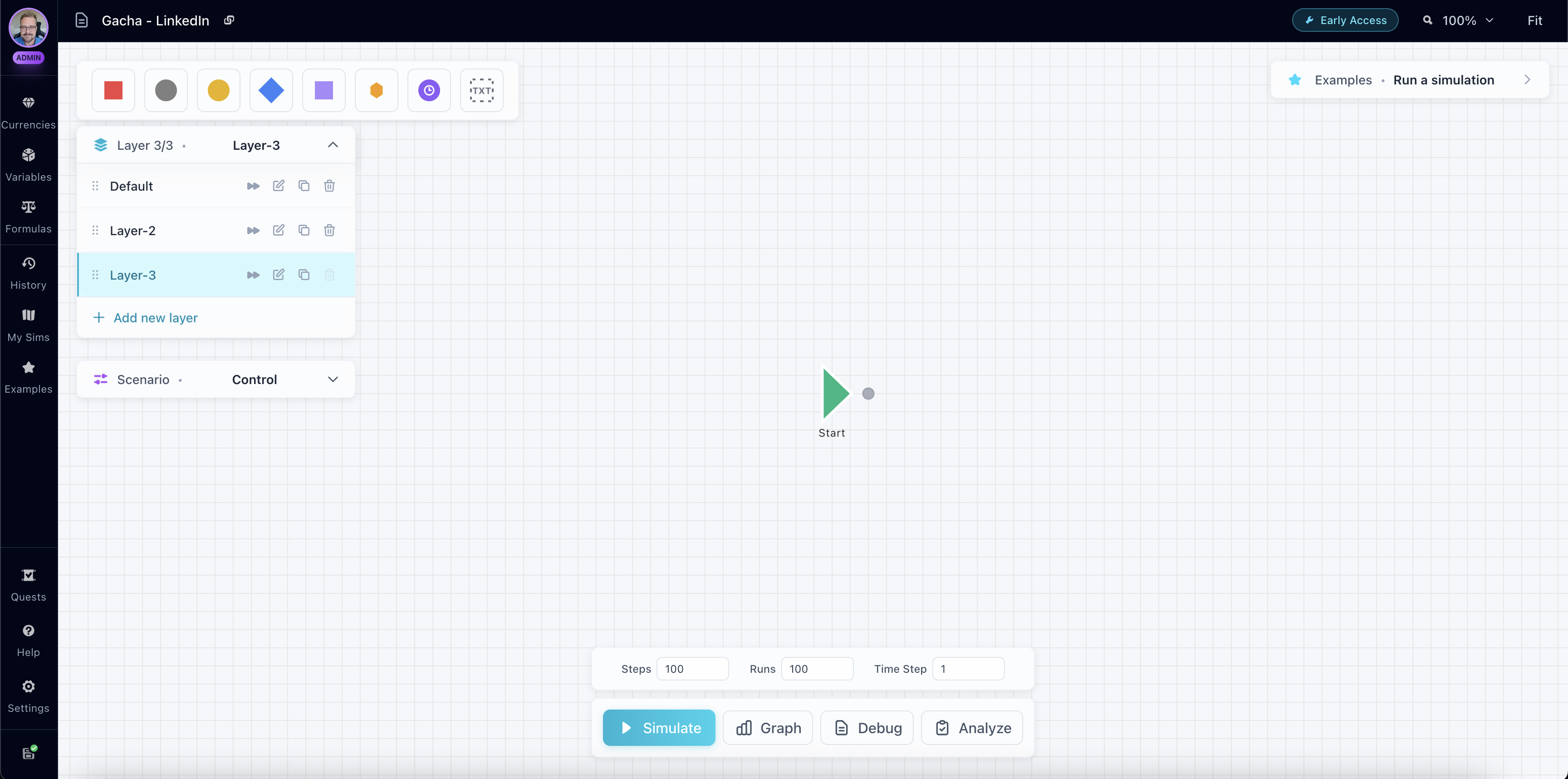
What are Layers?
Layers organize simulation logic into separate, prioritized execution contexts. Each layer has its own nodes and connections, but shares global currency and variable state with all other layers.
Think of layers as different "pages" or "views" of your economy - perfect for organizing large simulations into manageable pieces.
Execution
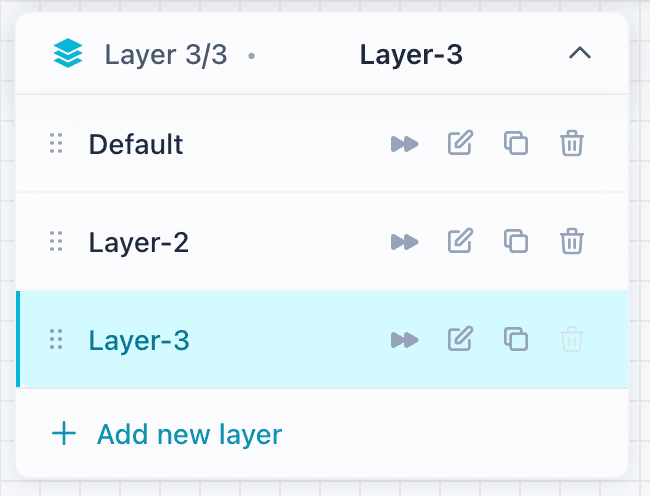
During simulation, layers execute in priority order:
- Each layer starts from its Start node
- Nodes execute via breadth-first search (BFS) within the layer
- Layers execute sequentially - one layer completes before the next begins
- Only non-excluded layers are executed
Currency changes, variable changes, and timer states are all global - shared across all layers. This means changes made in one layer immediately affect all subsequent layers in the same simulation step.
Priority
Layer priority controls execution order:
- Lower priority number = Higher execution priority
- Priority 0 executes first, then Priority 1, then Priority 2, and so on
- Layers are automatically sorted by priority before execution
- Priority can be changed by reordering layers in the Layer Inspector
This allows you to control the sequence of execution - for example, you might want initialization logic to run first (Priority 0), core economy to run second (Priority 1), and special events to run last (Priority 2).
Excluding Layers
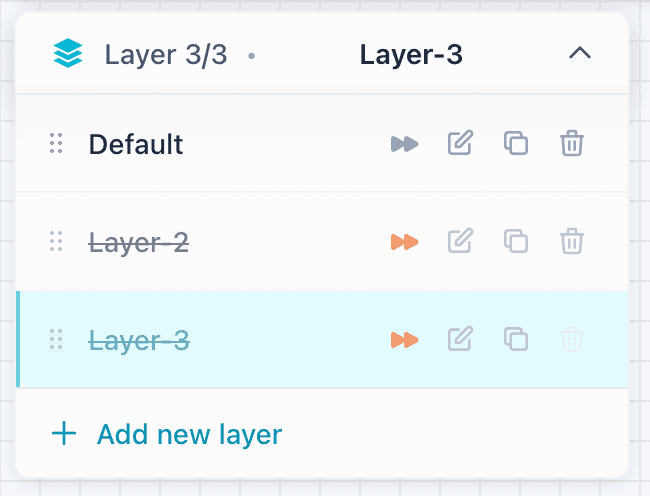
You can exclude layers from simulation execution:
- Excluded layers are completely skipped during simulation
- Toggle exclusion in the Layer Inspector
- Useful for testing features in isolation or temporarily disabling systems
- Excluded layers remain visible on the canvas but don't affect simulation results
This is perfect for A/B testing different mechanics, disabling optional features, or isolating test scenarios without deleting the layer.