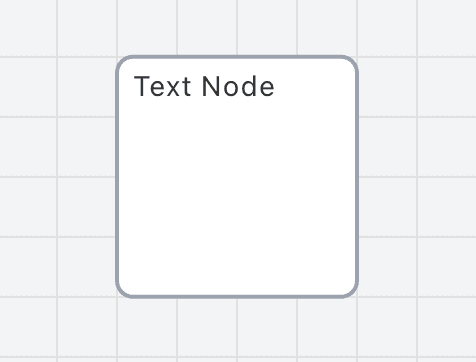
Text nodes are purely visual elements that display text annotations on the canvas. They cannot be part of the simulation flow and cannot trigger timers. Use them to add notes, labels, or documentation to your simulation.
Connectors
0
Inputs
0
Outputs
Inspector Fields
Each field below is available on this node in the inspector.
FieldTypeDescription
Name
string
The display name of the node
Any string value
Text Content
string
The actual text displayed in the node
Any string value
Width
number
Width of the text box in pixels
Number (minimum: 20px)
Height
number
Height of the text box in pixels
Number (minimum: 20px)
Background Color
string
Background color of the text box (hex color)
Border Color
string
Border color of the text box (hex color)
Font Color
string
Text color (hex color)
Font Size
number
Font size in pixels
Number (8-72 pixels)